> ## Documentation Index
> Fetch the complete documentation index at: https://docs.llumo.ai/llms.txt
> Use this file to discover all available pages before exploring further.
# Create and Activate Your Account
> Welcome to LLUMO AI! Follow this step-by-step guide to create and activate your LLUMO AI account to get started on LLM Evaluation and AI optimization.
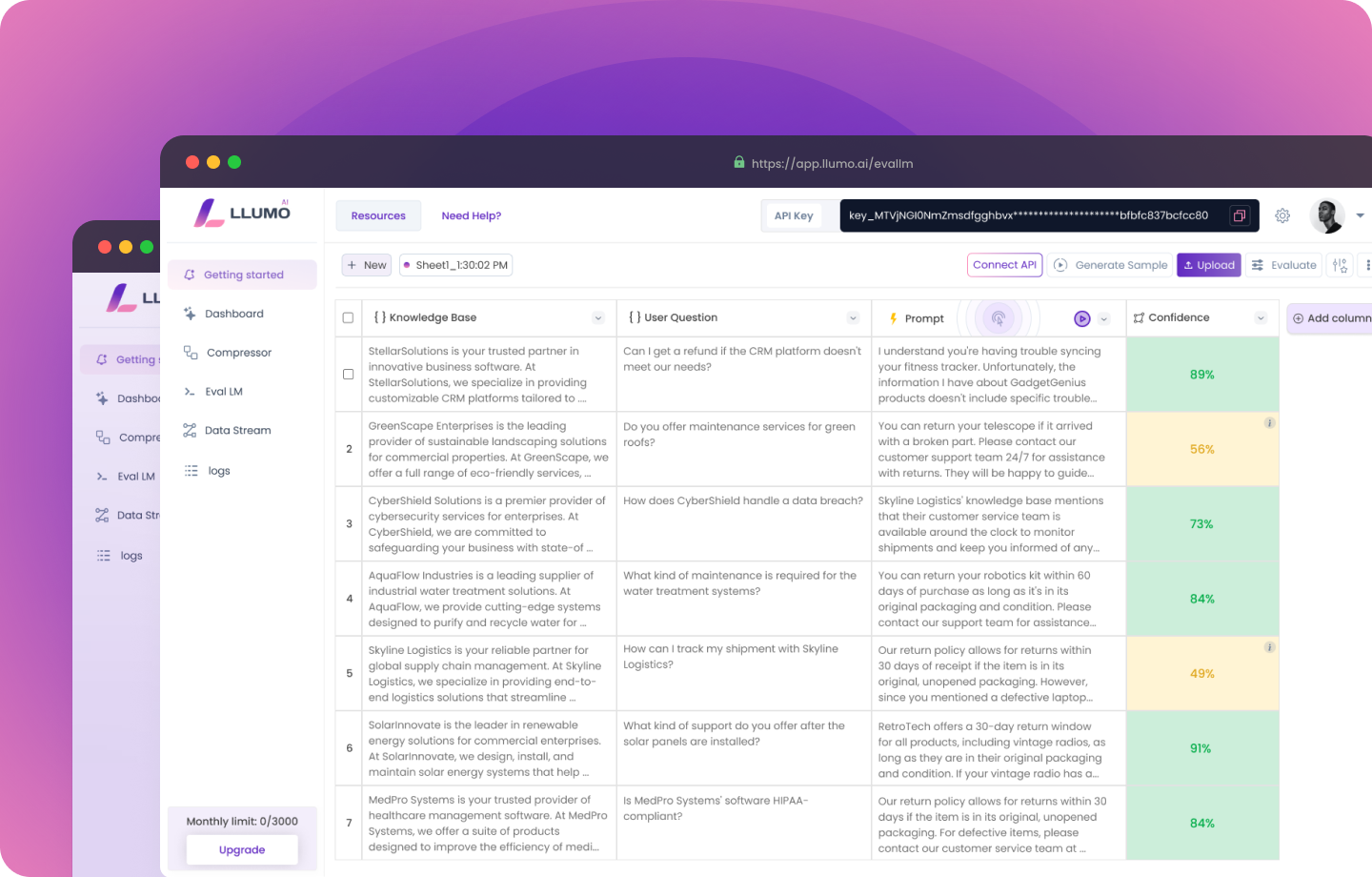 # Create Your Account
### Step 1
Visit [https://www.llumo.ai/](https://www.llumo.ai/) using your preferred browser.
### Step 2
Click on **"Get Started"**. You can sign up using your Google account or enter your company email.
### Step 3
Create a secure password. Make sure it includes at least one uppercase letter, one lowercase letter, one number, and one special character (like `!`, `@`, or `#`).
Once you're signed up, you’ll see a welcome form.
### Step 4
Fill in the following details to get started:
* **Name**: Enter your name
* **Company Website**: Add your company’s website URL
* **Monthly LLM Spend**: Select your monthly LLM spend from the dropdown list.
* **What are you looking for?**: Let us know what solution or help you're looking for.
Finally, click the **"Submit"** button, and you're all set.
### Step 5
To get started quickly and make the most of LLUMO, **book an onboarding call** with our team. We'll guide you through the platform, answer your questions, and ensure you’re set up for success.\
Click **"Book an Onboarding Call"** below to pick a time that works best for you!\
We’re excited to help you get started!
***
# Next Steps After Account Activation
### Start Your Free Trial
If you’re a new user, you may have access to a **14-day free trial**. Start testing LLUMO AI’s features and explore Eval LM, evaluation metrics, Compressor, and more!
### Set Up Your LLM
Follow our in-depth documentation to integrate and optimise your LLM models with LLUMO AI. Start with uploading your dataset, testing prompts, and monitoring model performance.
### Check Out Documentation and Resources
Explore tutorials, FAQs, and our help centre to make the most out of LLUMO AI’s powerful tools.
# Need Help?
If you encounter any issues or have questions, feel free to contact our **support team** via the **contact page** or reach out through the **live chat** for immediate assistance.
# Create Your Account
### Step 1
Visit [https://www.llumo.ai/](https://www.llumo.ai/) using your preferred browser.
### Step 2
Click on **"Get Started"**. You can sign up using your Google account or enter your company email.
### Step 3
Create a secure password. Make sure it includes at least one uppercase letter, one lowercase letter, one number, and one special character (like `!`, `@`, or `#`).
Once you're signed up, you’ll see a welcome form.
### Step 4
Fill in the following details to get started:
* **Name**: Enter your name
* **Company Website**: Add your company’s website URL
* **Monthly LLM Spend**: Select your monthly LLM spend from the dropdown list.
* **What are you looking for?**: Let us know what solution or help you're looking for.
Finally, click the **"Submit"** button, and you're all set.
### Step 5
To get started quickly and make the most of LLUMO, **book an onboarding call** with our team. We'll guide you through the platform, answer your questions, and ensure you’re set up for success.\
Click **"Book an Onboarding Call"** below to pick a time that works best for you!\
We’re excited to help you get started!
***
# Next Steps After Account Activation
### Start Your Free Trial
If you’re a new user, you may have access to a **14-day free trial**. Start testing LLUMO AI’s features and explore Eval LM, evaluation metrics, Compressor, and more!
### Set Up Your LLM
Follow our in-depth documentation to integrate and optimise your LLM models with LLUMO AI. Start with uploading your dataset, testing prompts, and monitoring model performance.
### Check Out Documentation and Resources
Explore tutorials, FAQs, and our help centre to make the most out of LLUMO AI’s powerful tools.
# Need Help?
If you encounter any issues or have questions, feel free to contact our **support team** via the **contact page** or reach out through the **live chat** for immediate assistance.